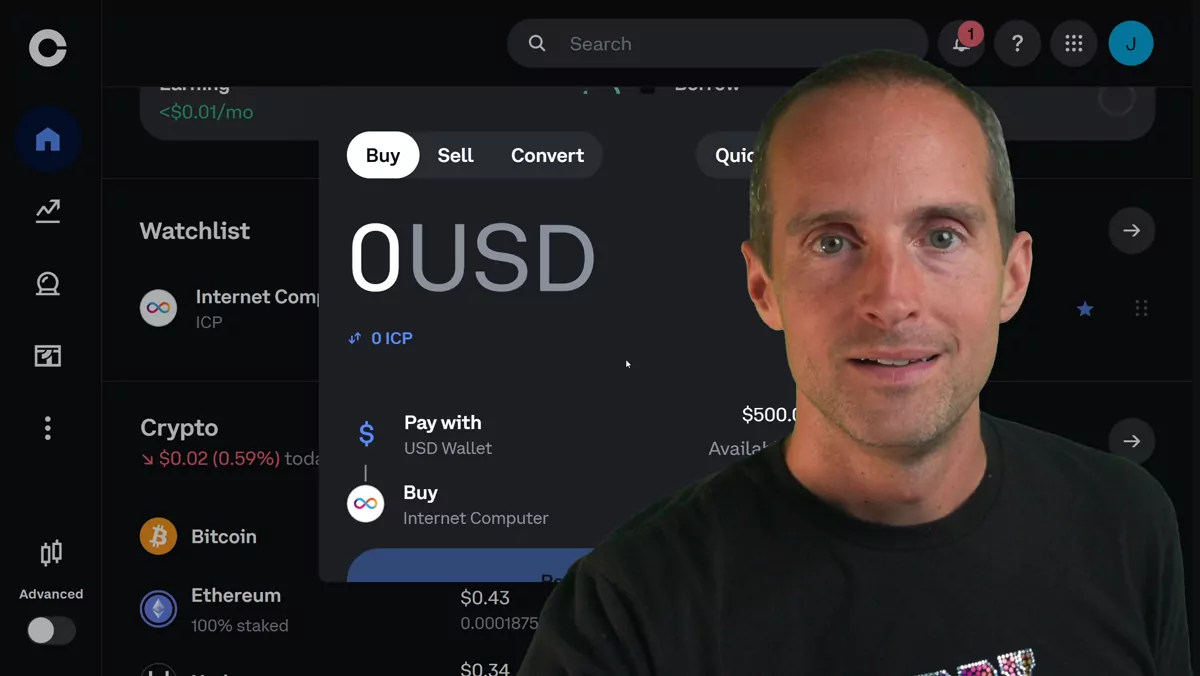
Here's how I save a ton of money on Coinbase fees. Most people buy crypto the same way: open the regular interface, pick a coin, hit buy — and get scraped on fees. This is my own approach, not financial advice.
Use advanced limit orders, not the buy button
If I take $500 and buy ICP through the simple interface, I'm paying around $9.20 plus about a dollar of spread — ridiculous. Instead, turn Advanced on in Coinbase (it's on desktop and mobile). Go to the limit order, pay with USD, set the price to the mid, slide the amount to 100%, and choose post-only. Post-only means you wait for someone else's order to match yours, so it can take a little longer — but on that same $500 I went from about 197 ICP to nearly 202. That's roughly an extra couple percent for doing almost nothing, and it matters even more if the price climbs.
The bigger fee-saver: stop impulse-buying
The most overlooked way to save on fees is to think hard about which coins you buy. Most people don't do real research, so they buy things they don't end up needing, then sell them — and now they've paid fees twice. The better move is to not buy it at all until you've done your own research first. I've researched thousands of altcoins, and the only one I buy anymore is the Internet Computer, because to me it's the only crypto with real technological substance. Never impulse-buy off a single video — including ICP. Look deep before your first purchase.
Then get it off the exchange
Finally, take your funds off the exchange entirely so you actually control them. Not financial advice — I just went from 6,500 to 6,700 ICP myself. If you want to see how I research a coin before buying, watch my money playlist here.