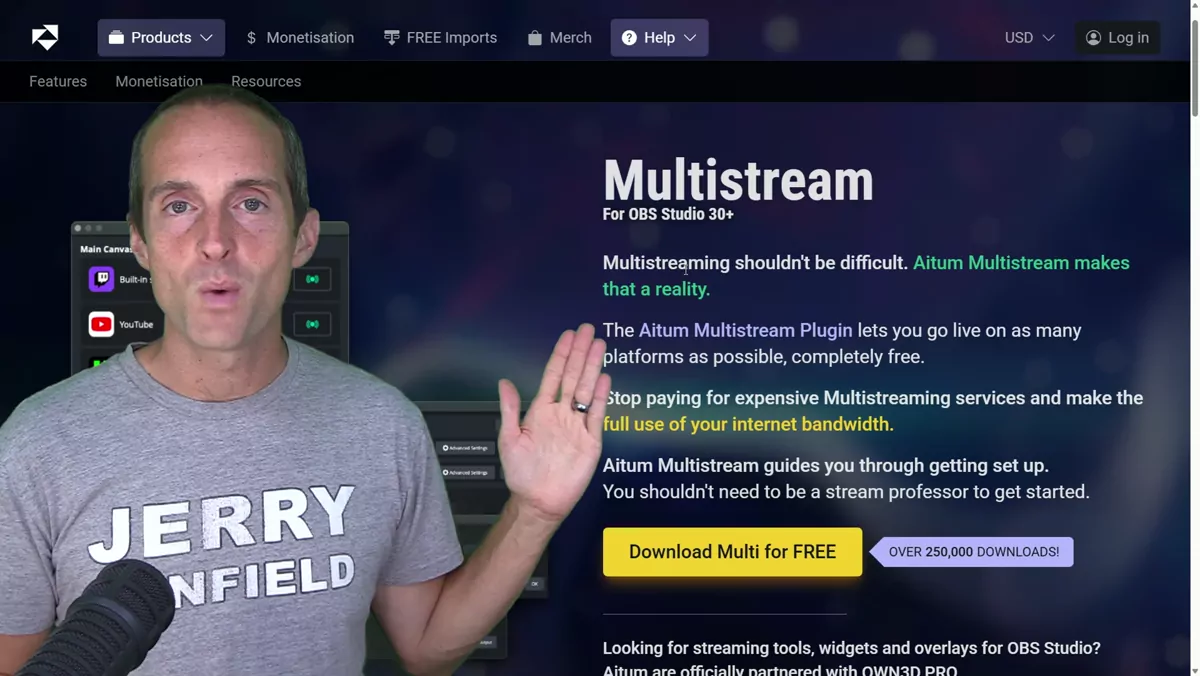
Here is the best way I have found to multi-stream in 2025 on OBS, which is what I use. My whole setup is totally free because I use AITUM.TV. They have a free multi-streaming plugin, and they also have a free vertical stream plugin that I will talk about in a minute. I use both of these with OBS, so I do not pay for Streamlabs at all. This works beautifully, it is a totally free download, and it was super easy to use. It barely impacts the processor load at all, and you can stream to a bunch of destinations all at once, as long as you have enough internet bandwidth.
For me, I am in a studio streaming on two desktop PCs, both hardwired into a gigabit Ethernet connection. I have tested this going live on as many as three channels at once: I did Twitch, Kick, and YouTube at the same time. I also tried it on as many as six different YouTube channels. So in my experience this plugin works and is outstanding.
How I Set It Up
The main way to set it up is to make your default stream Twitch, set your Twitch up to automatically handle the bandwidth and the settings, and then just add YouTube channels or Kick after that. For me, that worked really well. In OBS, all I do is click start streaming. Once I have clicked start streaming in OBS, I go into the AITUM multi-stream and click go live wherever I want to. It is that easy.
It also has this vertical option, which is really nice. So if you want to live stream on YouTube or on TikTok or something vertical, what you can do is download the vertical plugin as well. Both of these are at AITUM.TV. All you have to do is download the vertical plugin and turn it on. Then it gives you a separate vertical canvas, and in the multi-stream you can add your vertical canvas and your horizontal canvas at the same time.
I tested that and it worked fantastic. I live streamed horizontal on Twitch, YouTube, and Kick, and then I did a vertical stream on YouTube at the same time, on the same channel. All you have to do is add each of them with a different streaming key on YouTube. It works really well.
Why I Went Looking for This
I was struggling to find the best multi-streaming solution for myself as a YouTuber. I wanted something totally free that does not crap out on my processor and that could work for horizontal, could work for vertical, and could work for any number of channels. This is the best setup I have seen. Another creator, Supoman, tested this setup too. He had put off multi-streaming for a long time until I showed him that I use this. So I want to make sure that anyone else who wants to know how to multi-stream knows it is just as easy as using this. And if you want ongoing help dialing in your streaming setup and growing as a creator, you can book a one-on-one call with me, where we work through this kind of thing together.
Installing It Step by Step
If you want to get this set up, here is exactly how easy it is in real time. You just click download on it, and I use OBS on this computer to install it. Once it has downloaded in Chrome, you open up the installer, click yes, click next or install, and click finish setup.
Then you go back into OBS Studio. On my gaming and music PC, this is not actually the machine I stream on, so it is a clean example. In there, under the docks, you click on AITUM multi-stream. You can put it in a little panel if you want, but it works really nicely if you put it in a vertical panel when you are going live in a bunch of places.
Your default stream should be Twitch. From there, all you need to do is go over to your settings, go to main canvas, and click add an output. Then choose whatever platform you want. For example, if you put it on YouTube, you just put your YouTube stream key in, click create output, and you will have everything in there. You can rename any of these when you add them. The vertical canvas is right there too, but you have to install the other plugin with it, which is super easy. So it has everything separated by main canvas and vertical, and that is all you have to do. It is literally that easy.
I am a full-time YouTuber. I have been on YouTube for 14 years, and I put out videos every day that I hope will help you. If you want more help getting set up with streaming and growing as a creator, you can dig into my YouTube Coaching playlist, where I share what has worked for me.