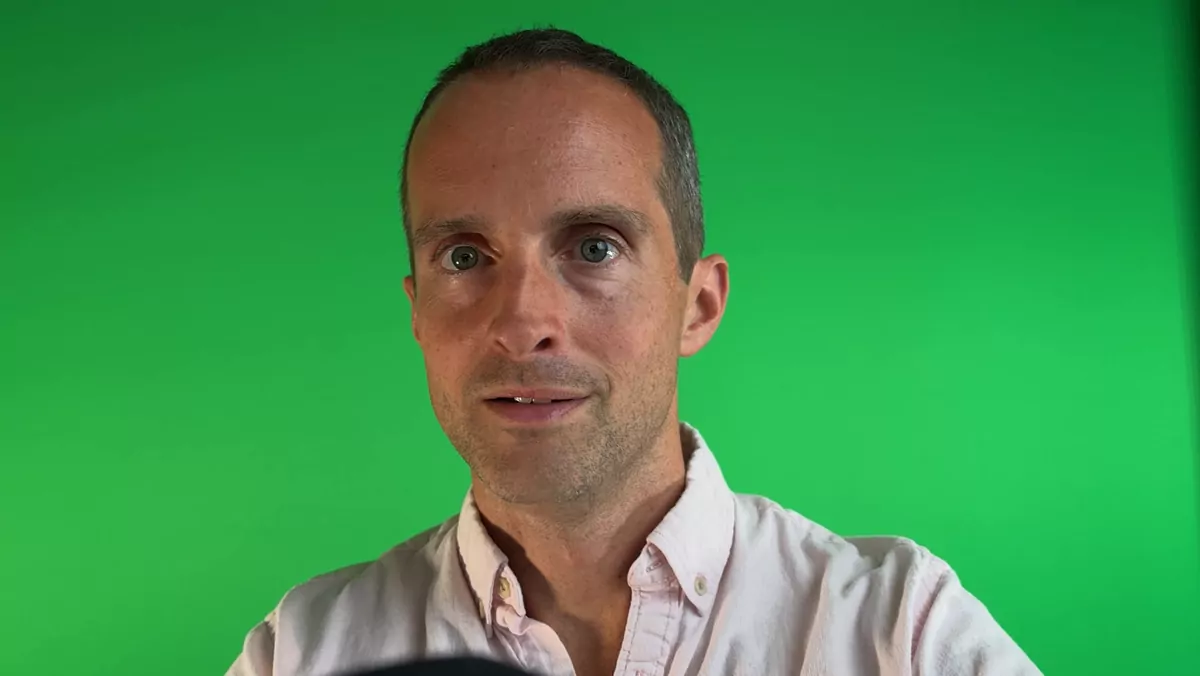
I'm a full-time YouTuber, and here's a tour of my 2026 studio showing how everything is actually connected. (For the full gear list and prices, I covered that in a separate video.) This is the companion piece on how it all works together.
The PC and audio chain
The centerpiece is a fast iBuyPower gaming PC. A lot of creators go cheap on the computer and it slows everything down — this is the most important piece in the room because it lets me rip through editing and transcripts. For audio, I use an ElectroVoice RE20 into a Rodecaster Duo for clean preamp processing, routed through a USB hub straight into OBS, so I don't have to cram cables into the PC. I also keep a Shure SM58 plugged in to pass back and forth when someone's over.
Camera and lighting
The camera is a Sony FX30 (I got the body-and-lens bundle used on eBay) with a dummy battery so I can leave it running 10-12 hours via a clean HDMI feed. The hardest part over the years has been lighting: I use an Amaran key light with a soft box (honestly too big — buy a size down) plus side lights to evenly light the green screen, which is what makes it key out cleanly on camera. Since I'm renting, I use a pull-up green screen rather than painting the wall — far better than curtains, which wave and light unevenly.
Stream Deck, consoles, and the messy reality
An Elgato Stream Deck XL drives everything — each button switches a scene or moves my face left, right, or center, starts a live stream, or pulls in gameplay. I capture a PS5 and an Xbox through an Elgato 4K capture, with the right HDMI 2.1 cables for HDR. Everything is hardwired across three full surge protectors (no Wi-Fi for a serious setup), the camera sits on a heavy desk arm, and big lights get sandbags and a heavy C-stand so they don't tip. I even put a mattress on the back wall to kill the echo and keep my gaming volume from carrying through the house. It's a lot — this stuff is genuinely hard to learn, and if you want help with your own setup, you can find more on my YouTube coaching playlist here.